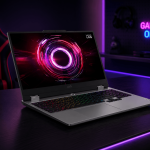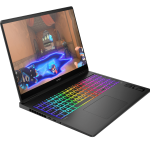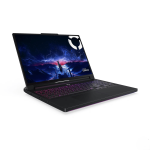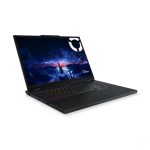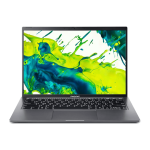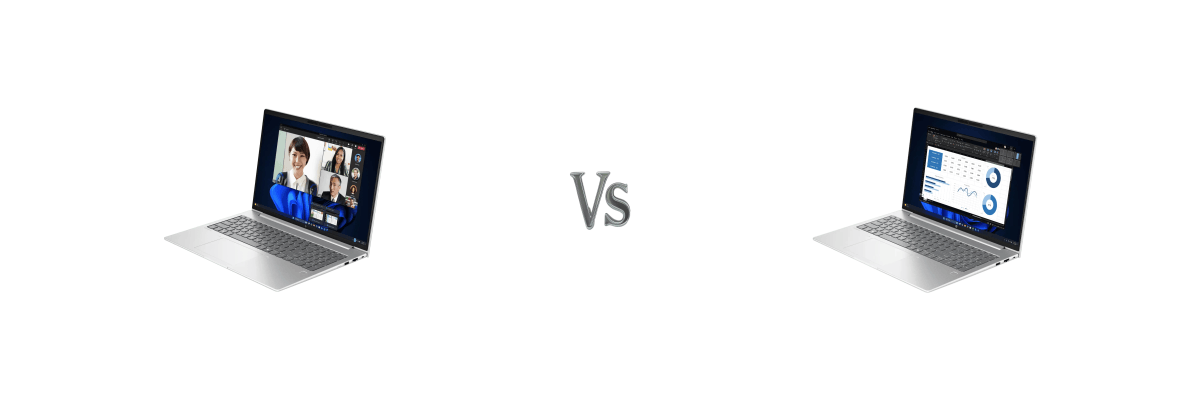
HP makes a lot of business laptops, and the naming can get confusing fast. The ProBook and EliteBook lines sit side by side in HP’s business lineup, and at first glance the ProBook 4 G1i 16 and EliteBook 6 G1i 16 look almost identical. In fact, put them next to each other and the only visible difference is the logo on the lid.
So what exactly are you getting for the extra money with the EliteBook? And is it worth it for most buyers? That’s what this comparison is here to answer.
I’ve reviewed both laptops in detail. You can read the full HP ProBook 4 G1i 16 review and the full HP EliteBook 6 G1i 16 review if you want the complete picture on either machine. This article focuses on the differences that actually matter when choosing between them.
Quick Verdict
Choose the ProBook 4 G1i 16 if: You’re a small business owner, student, or professional who needs a capable, well-connected business laptop and wants the best value for money. Add a HP CarePack for around $150-$200 and you’re covered for three years.
Choose the EliteBook 6 G1i 16 if: You work in a larger organisation that requires Thunderbolt 4 connectivity, smart card authentication, or needs enterprise-grade security features as standard.
A Note on Configurations
Both the ProBook 4 G1i 16 and EliteBook 6 G1i 16 are available in a wide range of configurations beyond what’s compared here. HP offers various models across both series with different processors, RAM, storage, and connectivity options including Intel Core Ultra 7, 32GB RAM, larger SSDs, touchscreens, and 5G LTE variants. My comparison here focuses on the Core Ultra 5, 16GB, 512GB configurations of each, which represent the most commonly available models in the Australian market. If your requirements are different, it’s worth checking what other configurations are available from local retailers.
Side-by-Side Specs
| ProBook 4 G1i 16 | EliteBook 6 G1i 16 | |
|---|---|---|
| Processor | Intel Core Ultra 5 225U | Intel Core Ultra 5 225U |
| RAM | 16GB DDR5-5600 (2x8GB) | 16GB DDR5-5600 (2x8GB) |
| Storage | 512GB NVMe SSD | 512GB NVMe SSD |
| Display | 16″ WUXGA, 300 nits, 62.5% sRGB | 16″ WUXGA, 300 nits, 62.5% sRGB |
| USB-C Ports | 2x USB-C 20Gbps, DisplayPort 1.4 | 2x Thunderbolt 4 40Gbps, DisplayPort 2.1 |
| Ethernet | Realtek GbE | Intel I219-V GbE |
| Wi-Fi | Intel Wi-Fi 7 | Intel Wi-Fi 7 |
| Battery | 56Wh | 56Wh |
| Webcam | 1080p FHD | 1080p FHD |
| Keyboard | Backlit, spill-resistant, numpad | Backlit, spill-resistant, numpad |
| Smart Card Reader | No | Yes |
| MIL-STD 810H | No | Yes |
| Warranty | 1 year | 3 year on-site |
| OS | Windows 11 Pro | Windows 11 Pro |
| Weight | 1.74kg | 1.75kg |
| Price (best) | $1,499 (Landmark Computers) | $2,399 (ShoppingExpress) |
What’s Actually the Same
This is worth spelling out clearly because it’s a lot.
Both laptops share the same processor, RAM, storage, display, battery, Wi-Fi 7, webcam, keyboard, and operating system. Performance in day-to-day use is identical. Battery life is identical. The display quality is identical. Even the chassis looks and feels the same, built from the same materials with the same dimensions and near-identical weight.
Put bluntly: if you’re buying the EliteBook expecting a faster or more capable laptop for everyday tasks, you won’t find one. The performance difference between these two machines in typical business use is zero.
Where They Actually Differ
USB-C and Thunderbolt 4
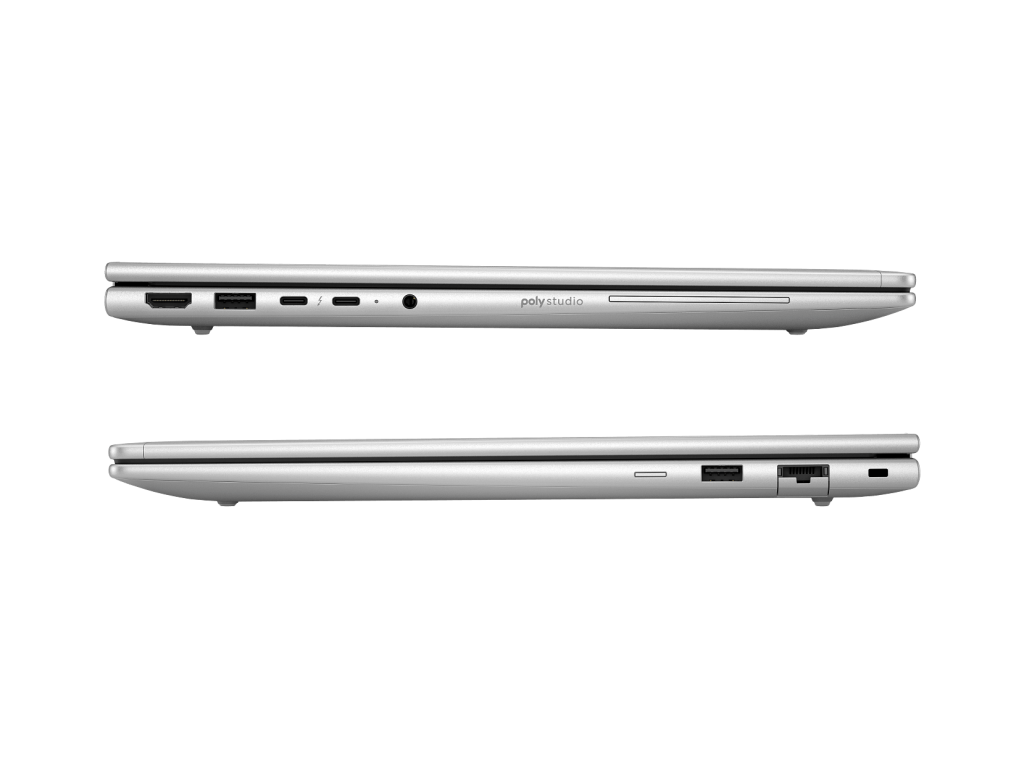
This is the most significant technical difference between the two laptops.
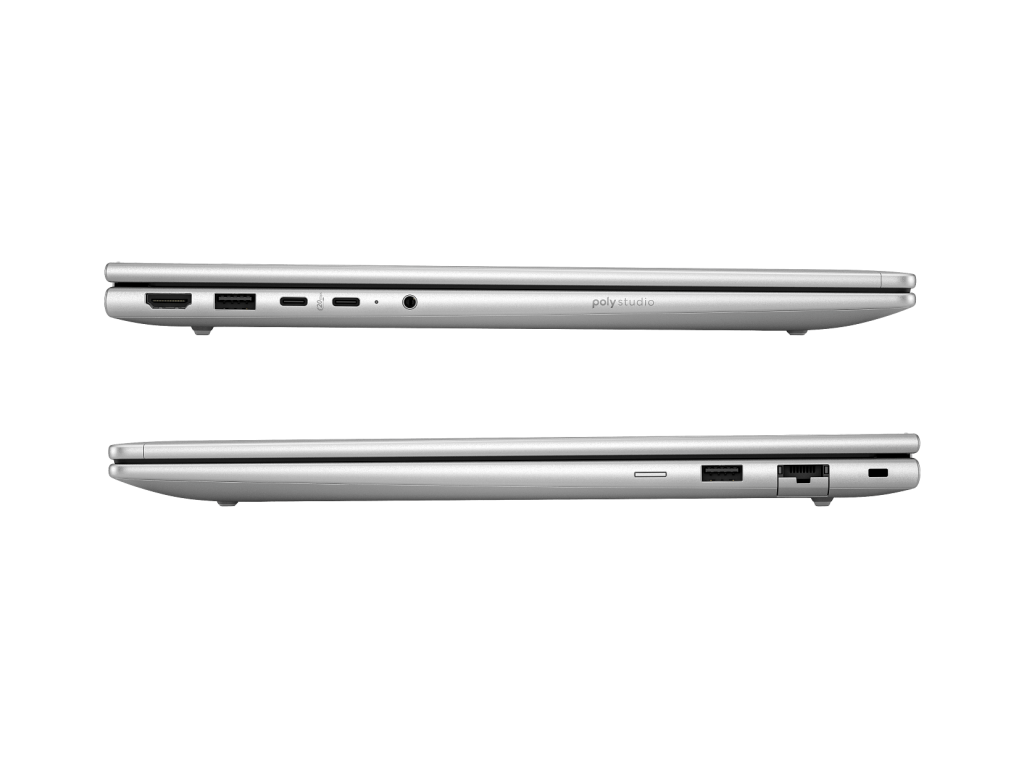
The ProBook 4 G1i 16 comes with two USB-C ports running at 20Gbps with DisplayPort 1.4. The EliteBook 6 G1i 16 steps up to Thunderbolt 4, running at 40Gbps with DisplayPort 2.1.
In practical terms, Thunderbolt 4 means:
- Double the data transfer speed to external drives and docking stations
- Support for higher resolution and higher refresh rate external displays
- Better compatibility with modern Thunderbolt docks
- More bandwidth when connecting multiple peripherals through a single cable
For professionals who rely on a high-end Thunderbolt docking station, or regularly transfer large files to external drives, this is a meaningful real-world difference. For most everyday business users connecting a monitor and a few peripherals, the ProBook’s 20Gbps USB-C is perfectly adequate.
Ethernet
The ProBook uses a Realtek GbE controller while the EliteBook uses an Intel I219-V GbE. Intel’s ethernet controllers have a long-standing reputation for better reliability and driver stability in managed IT environments. For most users this won’t matter. For IT administrators managing a fleet of devices on a corporate network, Intel ethernet is the preferred choice.
Smart Card Reader
The EliteBook includes a smart card reader. The ProBook does not. If your organisation uses smart card authentication, such as government departments, defence contractors, and some financial institutions, this is a non-negotiable requirement. For everyone else, it’s irrelevant.
MIL-STD 810H Certification
The EliteBook carries MIL-STD 810H military-grade certification covering temperature extremes, humidity, vibration, and drop resistance. The ProBook does not carry this certification. Both laptops share the same physical chassis, but the EliteBook has been formally tested and certified for durability under these conditions.
Warranty
This is where the conversation gets interesting.
The ProBook 4 G1i 16 comes with a standard one-year warranty. The EliteBook 6 G1i 16 comes with a three-year on-site repair warranty, meaning HP sends a technician to you if something goes wrong.
At first glance, that looks like a compelling reason to choose the EliteBook. But here’s the thing: you can purchase an HP CarePack for the ProBook for somewhere between $150 and $200 depending on where you buy it, and that extends your coverage to three years. Some specialist retailers have been selling it for as low as $150.
That changes the numbers considerably. A ProBook at $1,499 plus a $200 CarePack comes to $1,699. That’s still $700 less than the EliteBook at $2,399, and you end up with the same three-year warranty coverage.
For most buyers, this is the single most important piece of information in this comparison.
The Price Gap
Let’s be direct about the numbers.
- ProBook 4 G1i 16: $1,499 at Landmark Computers
- EliteBook 6 G1i 16: $2,399 at ShoppingExpress
- Price difference: $900
That $900 gap buys you Thunderbolt 4, Intel ethernet, a smart card reader, MIL-STD 810H certification, and a three-year on-site warranty as standard.
Add a $150-$200 HP CarePack to the ProBook and the warranty difference disappears. You’re then paying $700 extra for Thunderbolt 4, Intel ethernet, a smart card reader, and MIL-STD 810H certification.
For large organisations where those features are on the requirements list, $700 is easy to justify. For small businesses and individual professionals, it’s a much harder case to make.
Who Should Buy the ProBook 4 G1i 16
The ProBook 4 G1i 16 is the right choice for the majority of business laptop buyers. Here’s who it suits best:
- Small business owners who need a capable, well-connected professional laptop
- Students and graduates entering the workforce who want a business-grade machine
- Freelancers and remote workers who don’t need Thunderbolt 4 or smart card authentication
- Anyone who values strong everyday connectivity (Wi-Fi 7, USB-C with Power Delivery) without paying enterprise prices
- Budget-conscious buyers who want three-year warranty coverage by adding a HP CarePack
At $1,499, and particularly with a CarePack added, the ProBook 4 G1i 16 offers outstanding value for what you get.
Who Should Buy the EliteBook 6 G1i 16
The EliteBook 6 G1i 16 earns its price premium in specific contexts:
- IT managers in larger organisations who need Thunderbolt 4 for enterprise docking solutions
- Professionals in government, finance, or regulated industries where smart card authentication is required
- Organisations with managed IT environments where Intel ethernet and MIL-STD 810H certification are on the procurement checklist
- Users who regularly connect to high-resolution external displays via a single Thunderbolt cable
- Those who want three-year on-site warranty coverage without purchasing a separate CarePack
My Recommendation
For the large majority of buyers, the ProBook 4 G1i 16 is the smarter purchase.
The performance is identical. The build looks and feels the same. Wi-Fi 7, dual USB-C with Power Delivery and DisplayPort, a 1080p webcam, and Windows 11 Pro are all present on both machines. Add a HP CarePack for $150-$200 and the warranty gap closes completely, leaving you $700 better off compared to buying the EliteBook outright.
The EliteBook 6 G1i 16 is a genuinely excellent business laptop, and in the right organisational context the premium is justified. But for most individuals and small businesses, paying $900 more for Thunderbolt 4 and a smart card reader they’ll never use doesn’t make financial sense.
Buy the ProBook. Add the CarePack. Put the savings toward something that actually improves your working day.