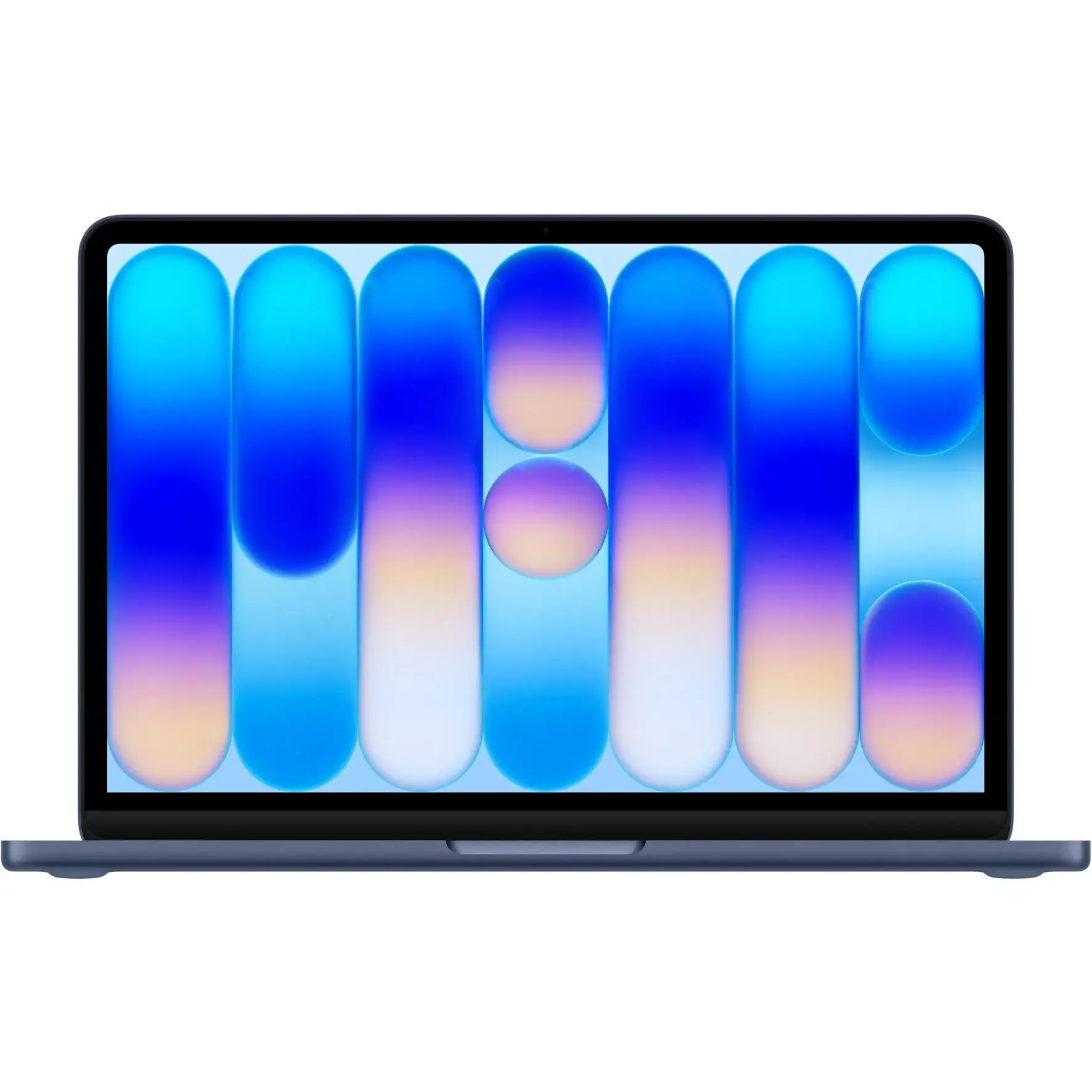
If you’re looking at the MacBook Neo and want to know exactly what you’re getting, this is the page for you. Below are the full specs, along with some plain-English commentary to help you understand what it all actually means.
Chip
Apple A18 Pro
- 6-core CPU (2 performance cores + 4 efficiency cores)
- 5-core GPU
- 16-core Neural Engine
- 60GB/s memory bandwidth
What this means: The A18 Pro is the same chip Apple uses in the iPhone 16 Pro. This is the first time Apple has put this chip inside a Mac laptop. It’s fast and very power-efficient, which is why the battery life is impressive despite the small battery. For everyday tasks like web browsing, emails, documents, and video calls, it’s more than capable. Just don’t expect it to match the M-series chips found in the MacBook Air and MacBook Pro.
Memory (RAM)
8GB unified memory
What this means: 8GB is the only option available — you can’t upgrade it. For light users who stick to browsing, streaming, and office work, 8GB will be fine. But if you like having lots of tabs open, or you’re doing anything creative like photo or video editing, you may start to feel the pinch. This is one of the MacBook Neo’s biggest limitations. There is no 16GB option.
Storage
- 256GB SSD
- 512GB SSD
What this means: The 256GB base model is tight — especially once macOS takes its share. If you store photos, videos, or a lot of files locally, go for the 512GB option. Neither option is upgradeable after purchase, so choose wisely upfront. You can always use an external drive or cloud storage to manage the overflow.
Display
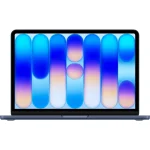
13.0-inch Liquid Retina (IPS LED)
- Resolution: 2408 x 1506 at 219 PPI
- Brightness: 500 nits
- Colour: sRGB
- Rounded corners
What this means: It’s a sharp, good-looking screen for everyday use. The 500 nits brightness is decent for indoor use but can struggle in bright outdoor environments. One thing worth noting is that this display uses sRGB colour — not the wider P3 colour gamut you get on the MacBook Air and MacBook Pro. For most users this won’t matter, but if you do any creative work involving colour accuracy, it’s a limitation to be aware of.
Battery
36.5Wh lithium-ion battery
- Up to 16 hours video streaming
- Up to 11 hours wireless web browsing
- Comes with a 20W USB-C charger
What this means: The battery is physically small (36.5Wh is quite modest), but the A18 Pro chip is so efficient that Apple still manages to squeeze out solid real-world battery life. Expect somewhere between 8 and 12 hours depending on what you’re doing. The included 20W charger is on the slower side — it will charge the laptop, but don’t expect speed charging. If fast charging matters to you, a higher-wattage USB-C charger (like a 30W or 45W) will charge it faster.
Ports and Connectivity
Left side:
- 1x USB 3 (USB-C) — up to 10Gbps data transfer, supports DisplayPort and charging
Right side:
- 1x USB 2 (USB-C) — up to 480Mbps data transfer, supports charging only
- 3.5mm headphone jack
What this means: This is worth paying attention to. You only get two USB-C ports – and they are not equal! The left-side port is the fast one (USB 3, up to 10Gbps). The right-side port is significantly slower (USB 2, up to 480Mbps) – that’s about 20 times slower for data transfers. The right-side port is really only useful for charging or plugging in basic accessories like a mouse or keyboard. If you plan to transfer large files or connect fast external drives, you’ll want to use the left port. A USB-C hub is highly recommended if you need more connectivity.
External Display:
- Supports one external display at up to 4K/60Hz
- Simultaneous use with the built-in display is supported
Wireless:
- Wi-Fi 6E (802.11ax)
- Bluetooth 6
What this means: Wi-Fi 6E is a solid standard but it’s worth noting it’s not the latest – Wi-Fi 7 (802.11be), which offers faster speeds and better performance in congested environments, is already appearing in newer laptops. That said, Wi-Fi 6E will be more than fast enough for the vast majority of users. Bluetooth 6 is brand new — you’re unlikely to notice a difference in day-to-day use, but it’s good to have the latest.
Camera and Audio
- 1080p FaceTime HD camera
- Dual-mic array with directional beamforming
- Dual-speaker sound system with Spatial Audio and Dolby Atmos support
What this means: The 1080p camera is solid for video calls. The dual speakers are good for a laptop this size — better than most Windows competitors at this price point. Dolby Atmos support means music and movies sound more immersive on this little machine than you might expect.
Keyboard and Trackpad
Two options available:
- Magic Keyboard (without Touch ID)
- Magic Keyboard with Touch ID
Multi-Touch trackpad with full gesture support.
What this means: Make sure you check which keyboard variant you’re ordering – Touch ID (the fingerprint reader for quick login) is not included on the base model. The trackpad on MacBooks is consistently one of the best in the business.
Operating System
macOS with Apple Intelligence
What this means: macOS is Apple’s desktop operating system – it’s polished, stable, and well-supported. Apple Intelligence is Apple’s AI feature set, which includes writing tools, an improved Siri, and more. You are getting the same OS as someone buying a $5,000 MacBook Pro.
Size and Weight
- Height: 1.27 cm
- Width: 29.75 cm
- Depth: 20.64 cm
- Weight: 1.23 kg
What this means: At just 1.23 kg, the MacBook Neo is genuinely light. It’s one of the lightest 13-inch laptops available. Great for students or anyone who carries their laptop around every day.
What Comes in the Box
- MacBook Neo
- 20W USB-C Power Adapter
- USB-C Charge Cable (1.5m)
What this means: The 20W charger is pretty basic. There’s no MagSafe here like you get on the MacBook Air and MacBook Pro – you charge via USB-C only.
Available Colours
- Silver
- Blush
- Citrus
- Indigo
Australian Pricing
| Model | Storage | Price | EDU Price |
|---|---|---|---|
| MacBook Neo 13-inch | 256GB | $899 | $749 |
| MacBook Neo 13-inch | 512GB | $1,099 | $949 |
EDU pricing is available to eligible students, parents buying for students, and education staff. You can purchase at the Apple Education Store or in-store at an Apple Retail location.
Available now from Apple Australia and JB Hi-Fi. Stock not yet available Harvey Norman and Officeworks, but coming soon, and many smaller IT retailers nationwide.